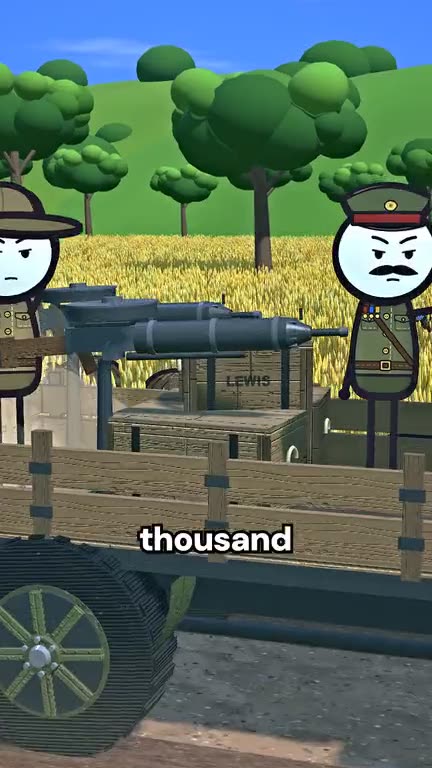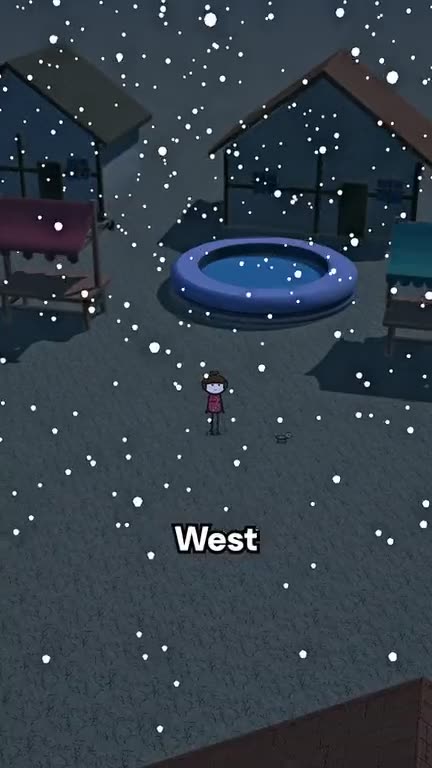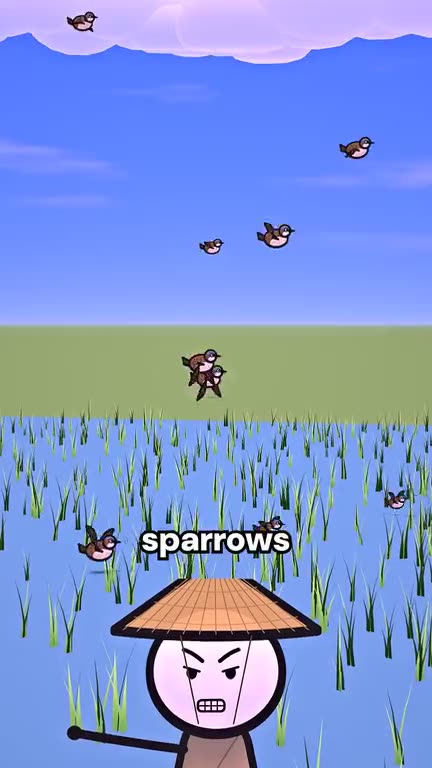
A good animated short needs a script, a storyboard, a voice, animation, captions and a sound mix. Done by hand that is several people and several days. OPUS does the whole chain from a single sentence. Here is what happens inside, and what you can control.
Step 1. The idea
Describe the story in one sentence: a historical case, a strange law, a tale with a twist. Concrete beats vague — “the 1958 campaign in China against sparrows” works better than “something about birds”.
Step 2. The script
A language model (Opus 5.5) writes the narration by the viral-shorts formula: a hook in the first line, rising beats, a turn, a visual ending. Prefer to write it yourself? Switch to My script and the studio will voice your text word for word.
Step 3. The storyboard
The same model splits the script into shots and picks, for each one, a place, the characters, the light and a camera move. Our engine has thirteen sets — a city, a castle and throne room, a harbour, rice paddies, a lab, a classroom and more — plus farms and the outback, a cast of people from kings to sailors, and animals from sparrows to horses. The storyboard uses only what the engine can show, so every shot renders.
Step 4. Voice and timing
The narration is voiced with a natural voice of your choice, and every word gets its exact time. Long pauses are trimmed so the pace stays tight. Captions appear word by word, in sync with the voice.
Step 5. Render and sound
Flat 2D characters move through a lit 3D world; the camera flies, pushes in and pulls out. Music and whooshes are mixed under the voice to the loudness YouTube, TikTok and Reels expect. You get a vertical 1080×1920 MP4.
Tips for better results
- Pick places in the World panel if your story has a clear setting; leave it on Auto otherwise.
- Use Dynamic camera for action stories and Calm for documentary ones.
- Ask the built-in scriptwriter chat for three ideas when you are stuck, then press Use this script.
- Check facts before publishing: AI can be wrong.